Academy
A little learning. A lot of possibility.
Get comfortable, build your workflow, and put your agents to work. 24 short lessons in 3 paths.
ACADEMY 101 · 5 LESSONS · 8:40
Get comfortable.
Find your way around and make the workspace yours.
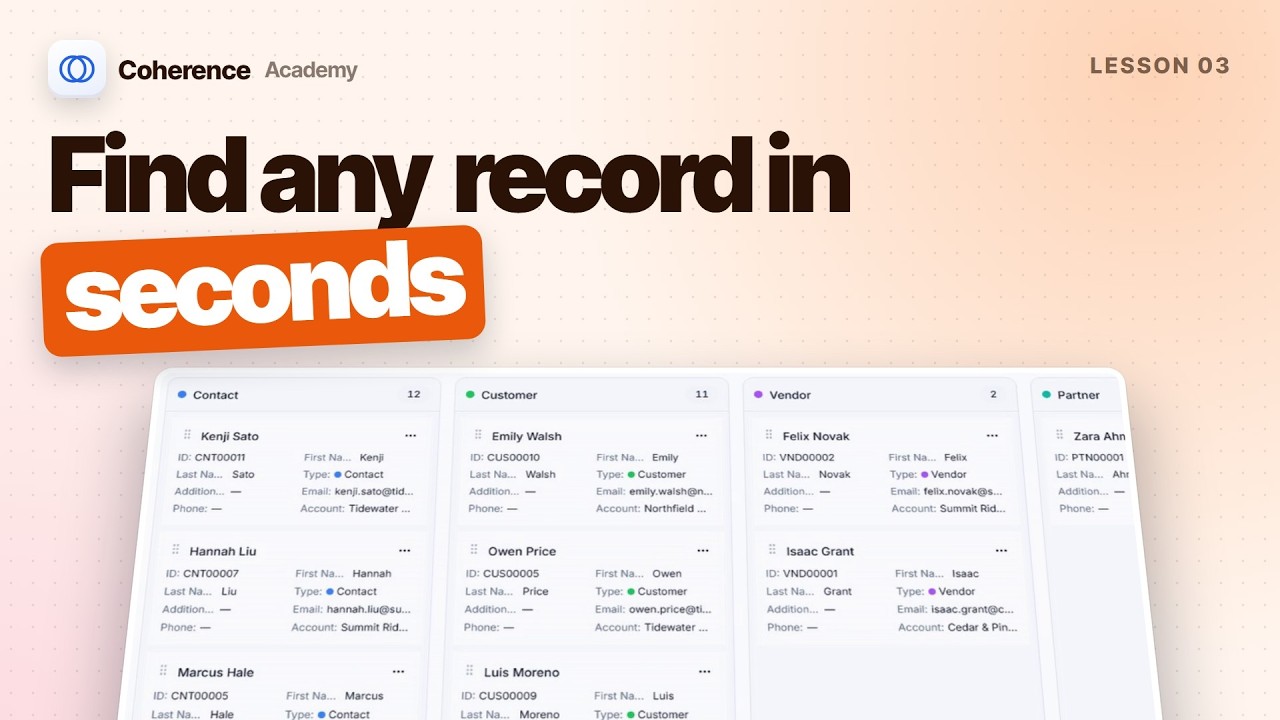
Getting around your workspaceA tour of the five areas every Coherence page shares: navigation rail, top bar, page sidebar, workspace, and right panel.Collapse and resize panelsCollapse, expand, and resize the navigation rail, page sidebar, and right panel by dragging or from the keyboard.Lists, views, and filtersSearch a list, use saved filters, build your own filter, sort by any column, and switch to a board layout.Customize your navigationTailor the sidebar to what you use: add areas from More, hide the rest, pin favorites, and bring anything back.Search and the command paletteFind records and pages from anywhere with Control S, and navigate, create, and ask AI from the Control K palette.
ACADEMY 201 · 16 LESSONS · 29:12
Put Coherence to work.
Work with your agents, customers, content, and team.
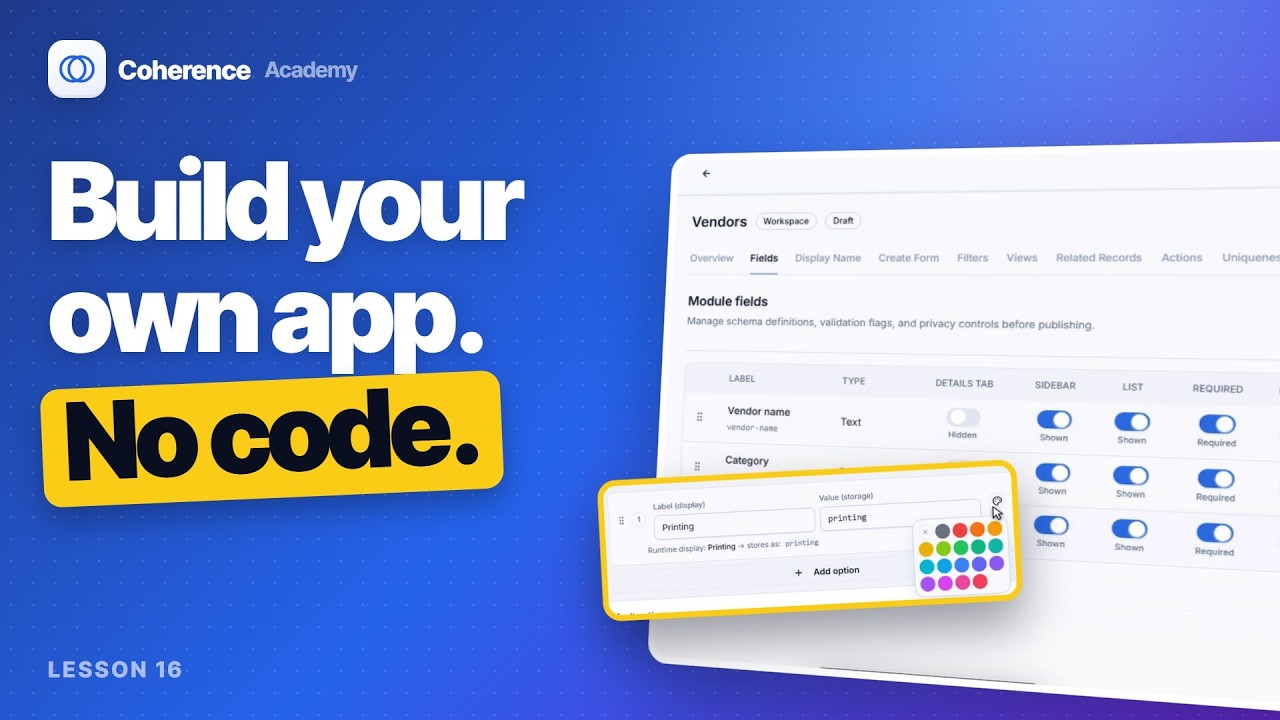
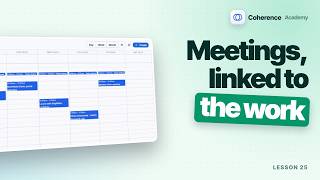
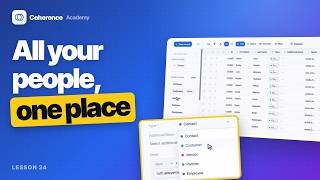
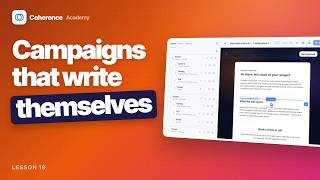
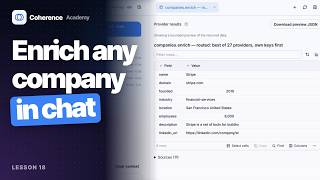
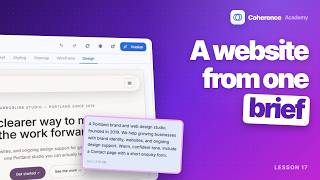
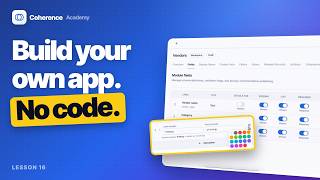
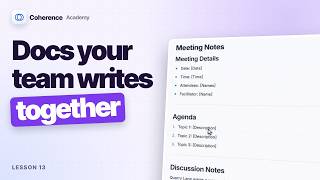
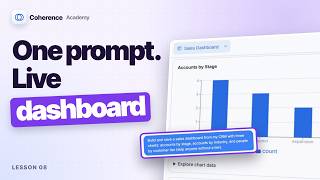
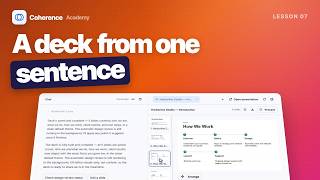
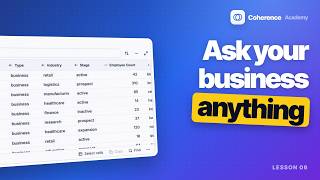
Your calendarSchedule a meeting from an empty slot, invite a teammate, and link it to a client account.People and contactsFilter people by type, open a contact, see relationships and meetings, and add someone new.Setup and send CampaignsBuild a dynamic audience, have Campaign AI draft a three-email journey, preview it, and schedule the send.Lead enrichmentTurn on company enrichment, ask Nash to enrich a company, check the result and its cost, and save it as an account.Build and edit your websiteGenerate a website from a short brief, edit it with AI and by hand, add sections, and publish.Build your own moduleBuild a Vendors module: add text, select, currency, and rich text fields, publish it, and add a record.ReportsStart a report from a template, change its grouping, add a filter, and save it as a live report.Agent PlaybooksSet up a playbook from a template, give it instructions, a schedule, and evidence rules, then run it and review its work.Collab DocsStart a Collab page from a template, write with slash commands, lock pages, and switch to whiteboard mode.Tasks and projectsSee tasks as a list, a board, and a calendar, complete one, and add work to a project.Accounts in CRMOpen a CRM account, edit details, add notes with mentions, and review its people, tasks, and activity.Research with NashAsk Nash a research question and get a written brief with linked sources, saved as a document.Build a website with NashDescribe your business and Nash builds a website live in the canvas, with pages, copy, and original images.Build a dashboard with NashAsk Nash for a dashboard in plain English, explore its charts, add one by asking, and arrange the layout.Build a presentation with NashAsk Nash for a slide deck, answer its quick form, then edit, present, and download it.Chat with NashAsk Nash about your workspace and get live metrics, charts, and searchable tables from your records.

ACADEMY 301 · 3 LESSONS · 5:07
Make it your own.
Configure module access, record rules, and shared views.
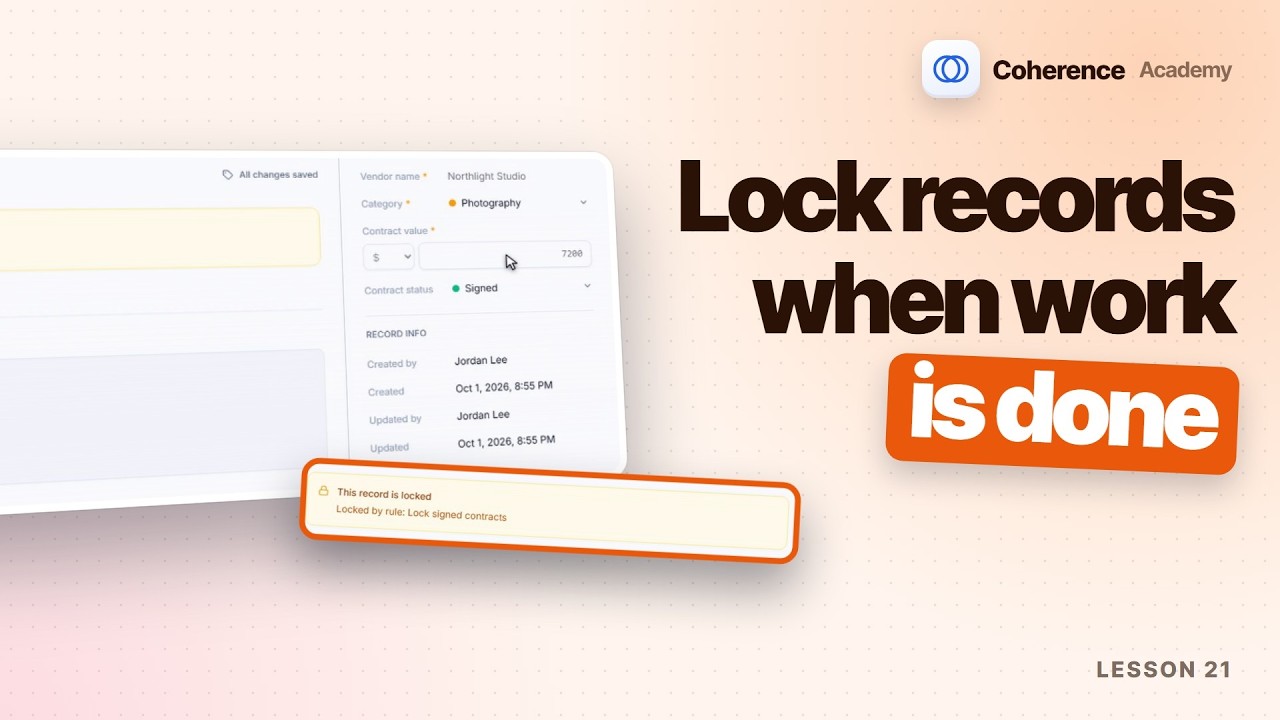
Module permissionsRead the module permission matrix and role inheritance, grant a new action, and see it from that user's side.Module record rulesCreate a record rule that locks contracts once they're signed, then watch a contract lock as it saves.Module views and filtersAdd a board view grouped by category to a module, publish it, and add a sidebar filter.